August 2025
August 28, 2025
Released two features to manage the Discord bot so channels stay clutter-free.
-
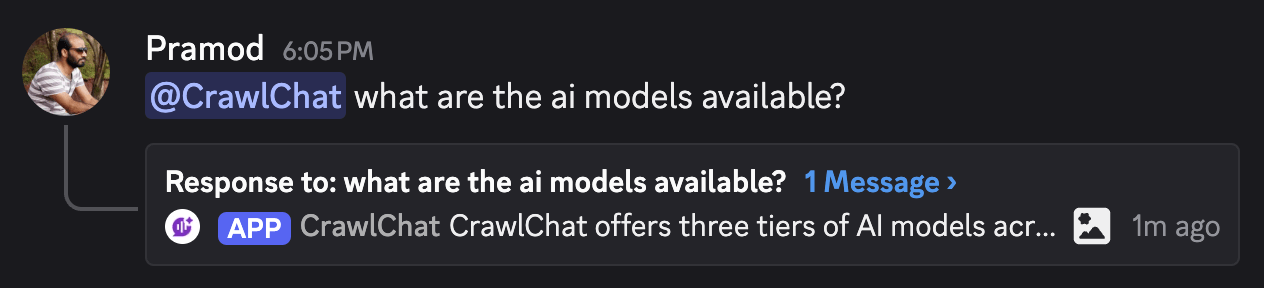
You can configure the Discord bot to reply to messages in threads. This keeps conversations neatly grouped, makes threads easier for users to follow, and keeps the main channel clutter-free.
-
You can now set which channels the bot should listen on. If configured, the bot will not reply when someone tags it from other channels. This is useful for making sure the community uses the bot only in designated channels.
You can configure these items from the Discord settings page on your dashboard.
August 22, 2025
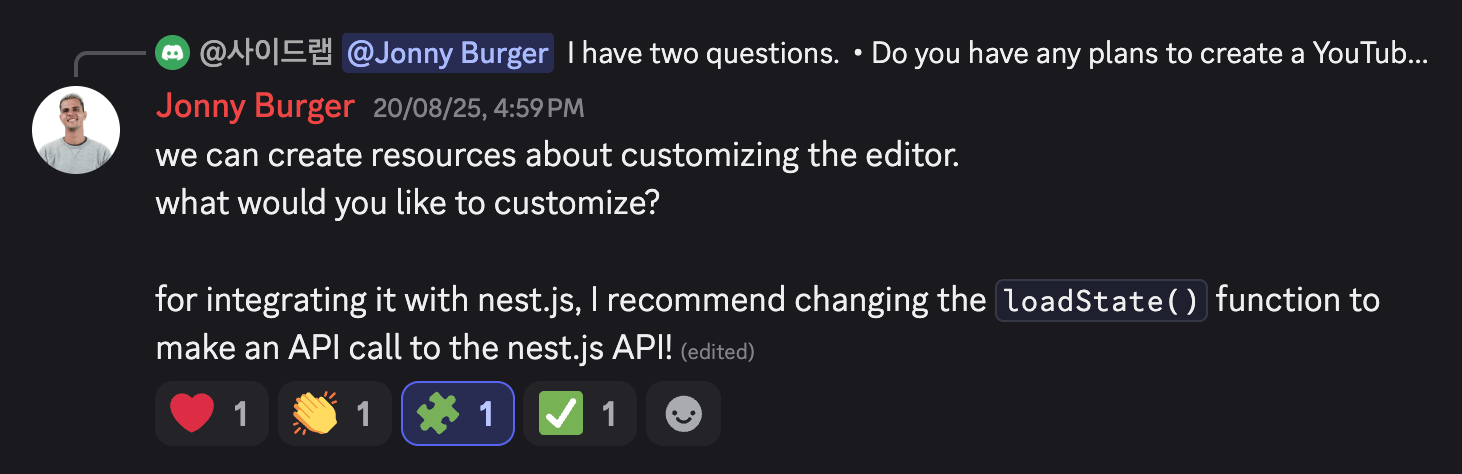
You no longer have to tag the bot and send the message learn to make the bot learn from a conversation in Slack or Discord. Instead, you can react with 🧩 on the message you want it to learn from. It also adds a ✅ reaction to confirm that it successfully learned the message.
It fetches the replies or thread conversation and adds them to the knowledge base so it can use them in future answers. This helps keep the chat space cleaner and clutter-free.
August 19, 2025
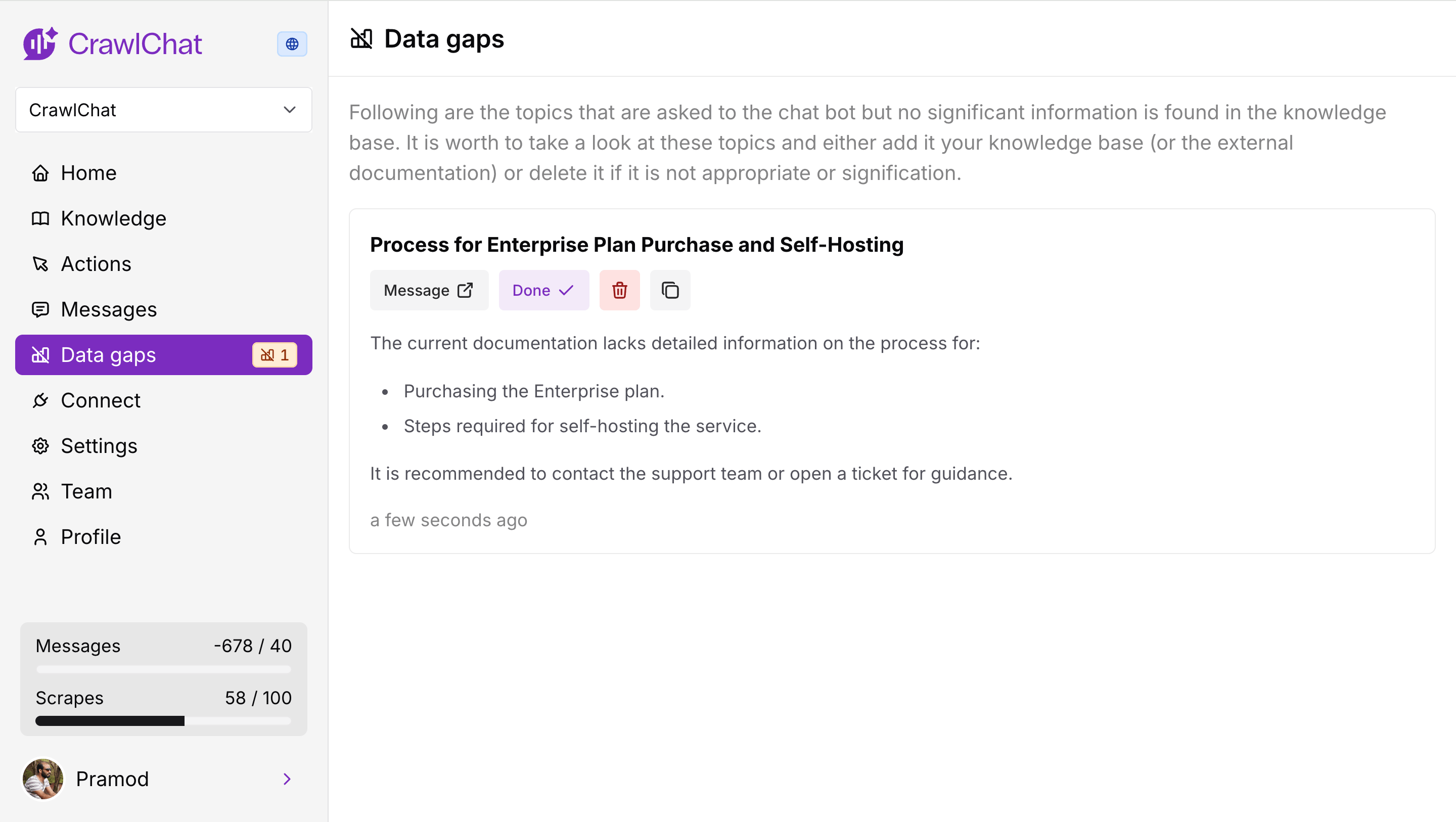
The bot now analyzes data gaps whenever it gives an answer across channels. It primarily checks two aspects:
- How much relevant information is available in the knowledge base for the asked question.
- How relevant the question is to the knowledge base.
Depending on the scores for those two signals, it decides whether there is a potential data gap. If so, it drafts a note explaining the topic of the data gap and the points to cover.
August 11, 2025
The Discord bot now supports rating bot messages with reactions. Community members can react with 👍🏻 or 👎 emojis to rate bot messages up or down. CrawlChat calculates the number of reactions and uses the majority rating, with higher preference given to downvotes.
These ratings show up on the dashboard as usual and can be used to fine-tune the bot's knowledge.
August 9, 2025
Released three significant changes to the Slack bot.
- Private channels - The bot now works in private channels. Just add it to the channel, tag it, and ask questions.
- Learn - Tag the bot and say learn in a thread so that it adds the entire thread conversation as a knowledge item.
- Reply broadcast - You can toggle whether to broadcast the answer to the channel.
August 8, 2025
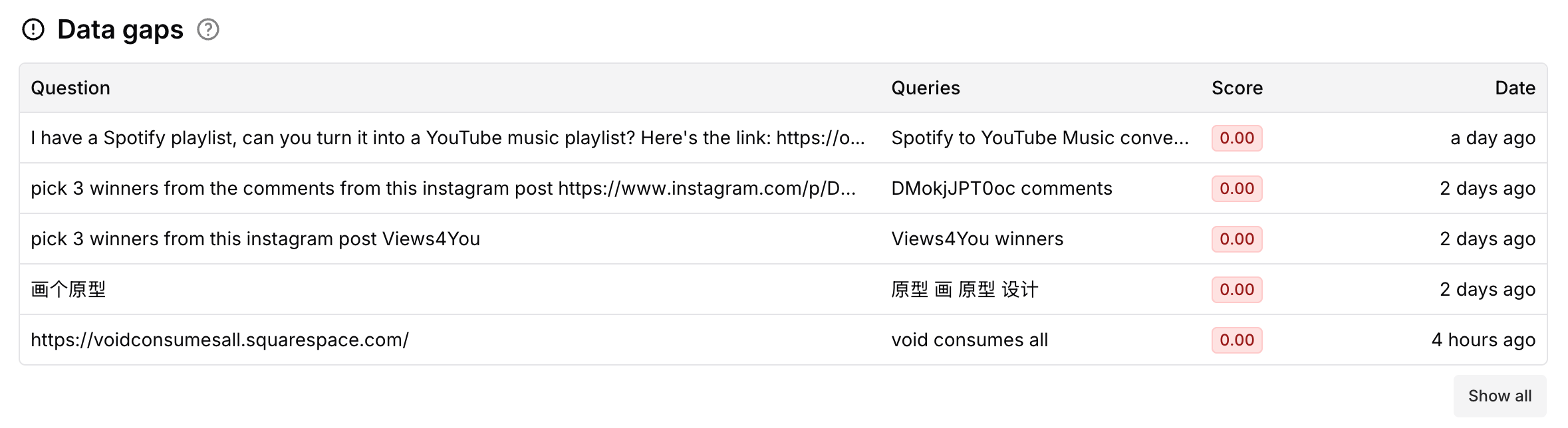
The app now shows data gaps in your documentation. It compares incoming queries against the best-matching document. If the max score is lower than 0.3, it considers the query a gap in the documentation. More tools for this are coming in future releases.
August 2, 2025
Now you can make collections Private. A private collection lets only private channels, such as Slack and Discord, interact with your knowledge. Private collections are best when you want only internal teams to use the bot.
Here is the summary:
| Collection type | Web (widget) | Slack bot | Discord bot | MCP |
|---|---|---|---|---|
| Public | ✅ | ✅ | ✅ | ✅ |
| Private | ❌ (only for team members) | ✅ | ✅ | ❌ |
August 1, 2025
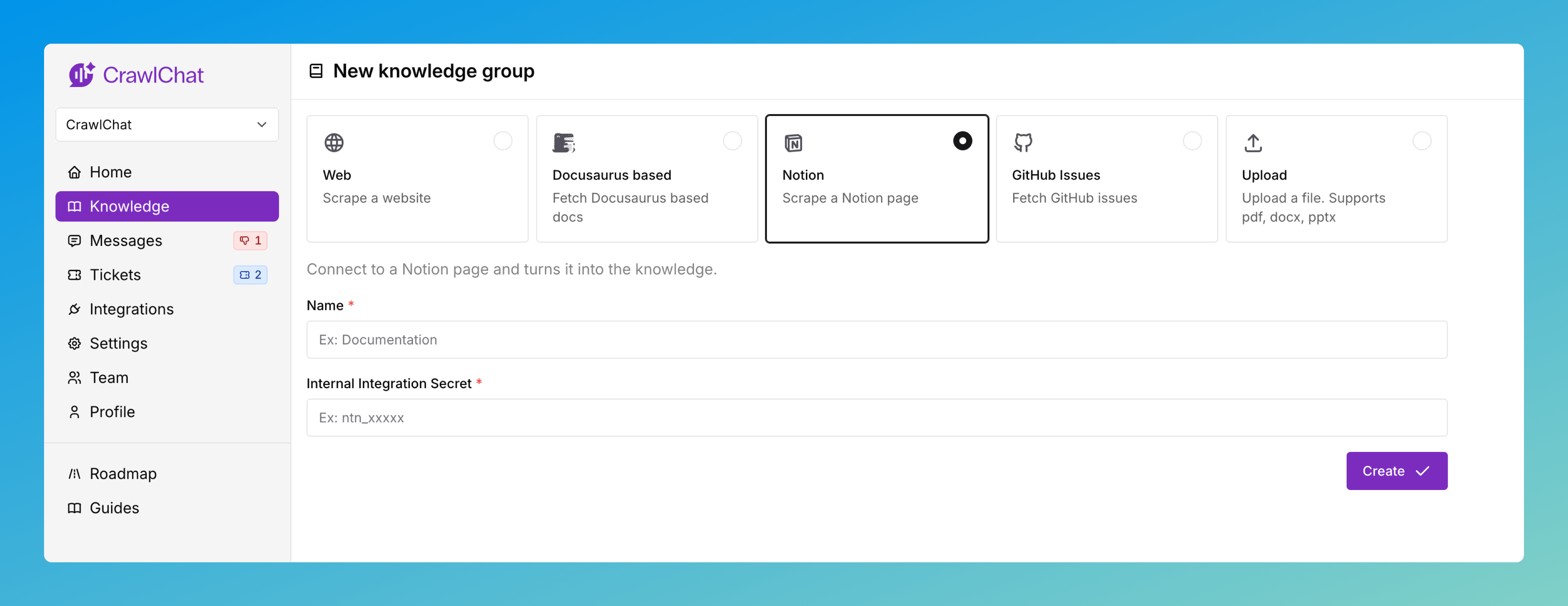
You can now connect your private Notion pages as a knowledge source on CrawlChat and keep them in sync. You need to create an API token in Notion to make it work. The full setup guide is here.
Once you have set up the Knowledge Group, you can configure which pages to ignore and enable auto-updates from the knowledge group settings page.