Linear connector
October 1, 2025
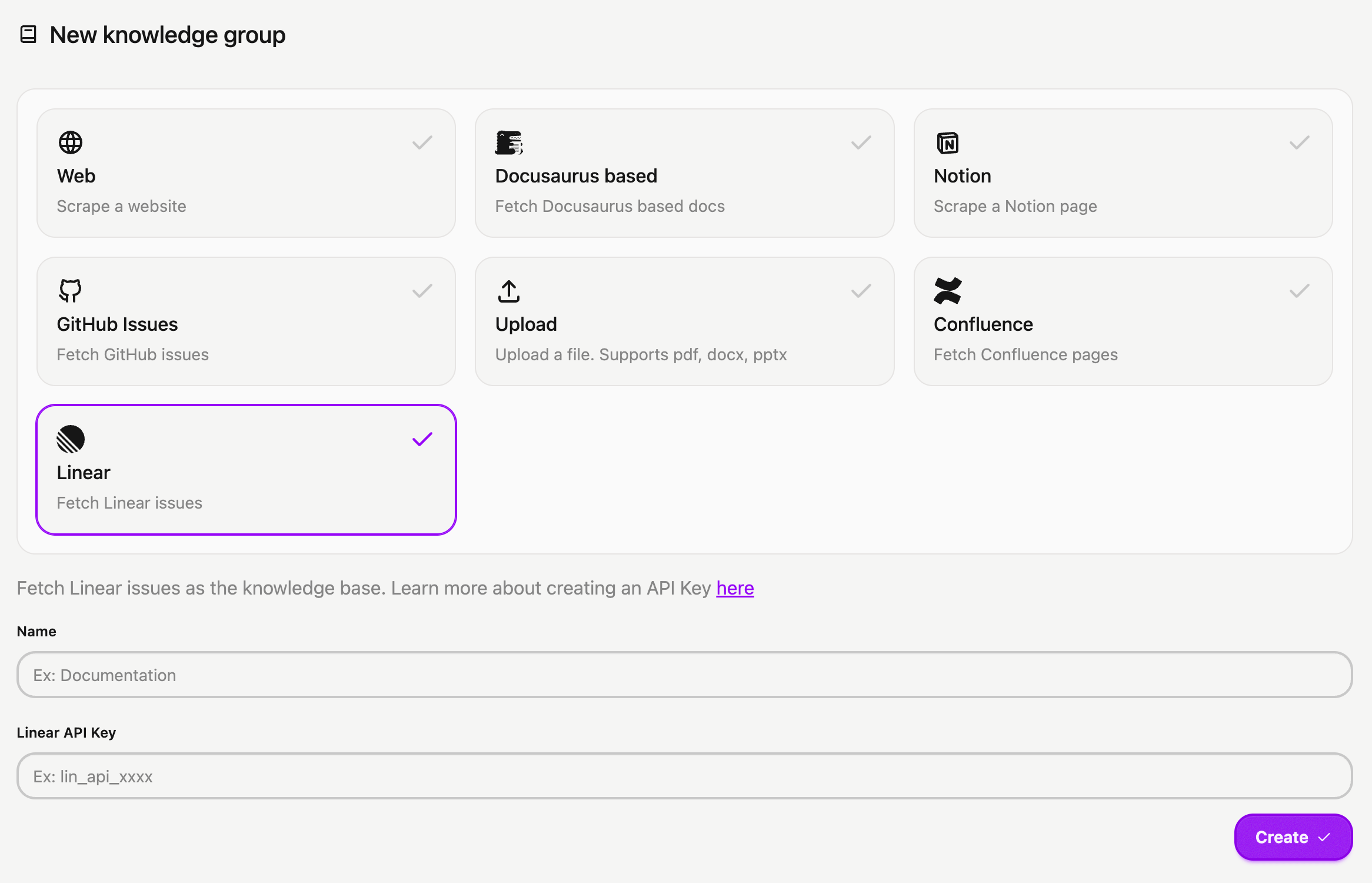
You can now connect your Linear issues and projects to CrawlChat as a source instantly. The setup process is simple:
- Log in to your Linear account
- Navigate to Settings > Security & access
- Click New token under Personal API keys
- Name your key (e.g., CrawlChat) and select Only select permissions
- Tick the Read box and choose All teams you can access
- Click Create and copy your API Key
- Head to the New Group page to import your Linear issues into CrawlChat, providing the API token you generated
- Activate auto-update for regularly syncing the latest 250 issues/projects
- Configure statuses to skip irrelevant issues to maintain a clean knowledge base.