Support tickets right from the chat widget
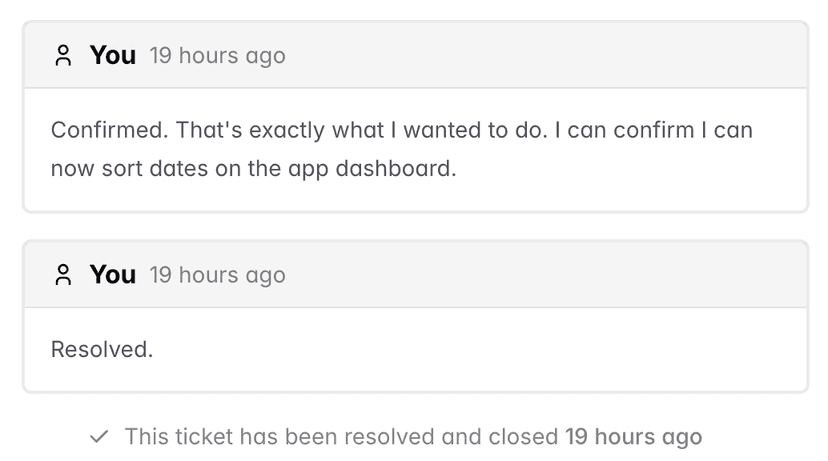
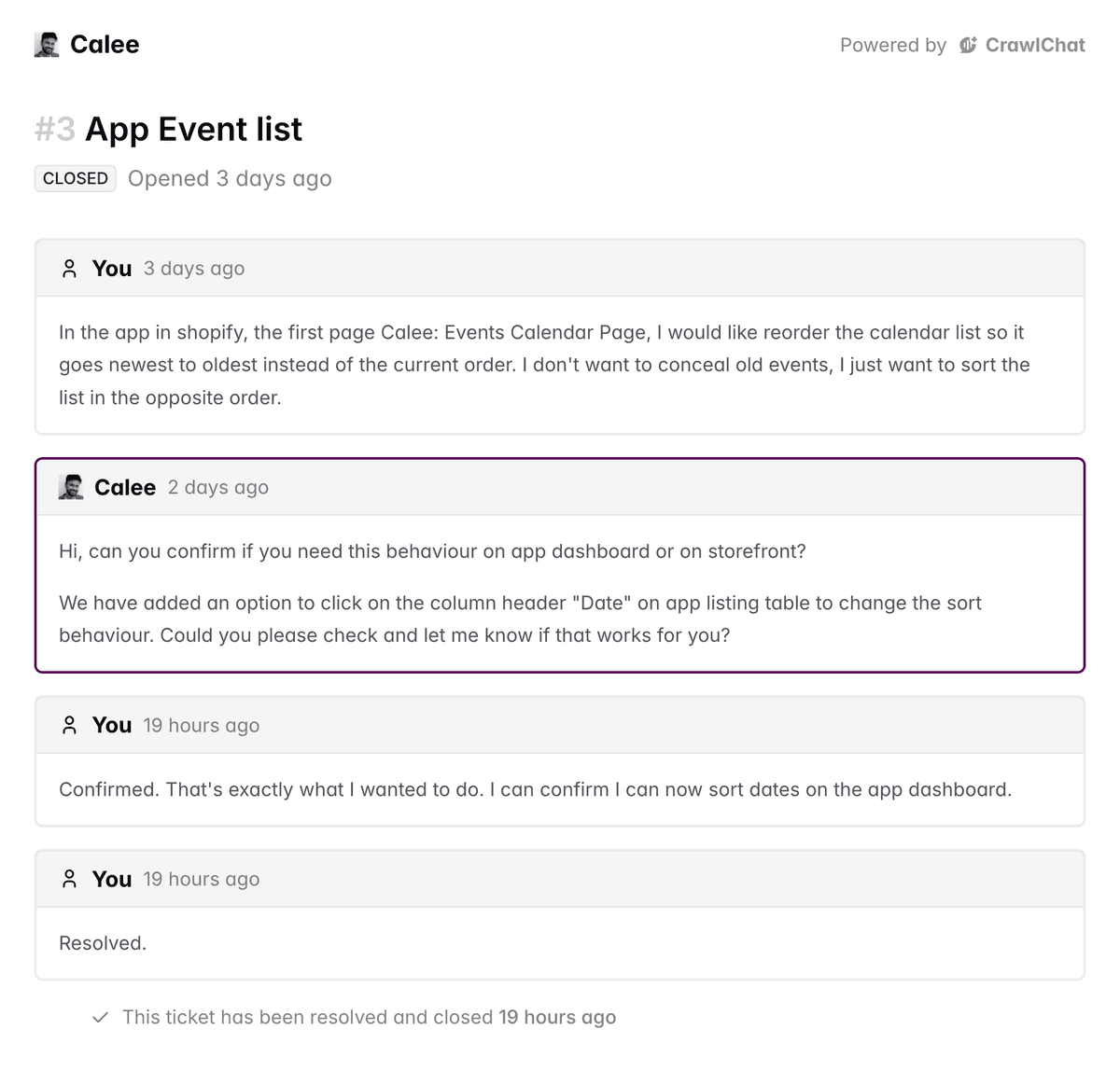
CrawlChat now supports creating support tickets right from the chat widget. Your customers can get the first level of support from your documentation powered by AI. If the issue is not resolved, they can create a support ticket and you can resolve it manually.
Simple yet essential support tools
1. Ask if the issue is resolved
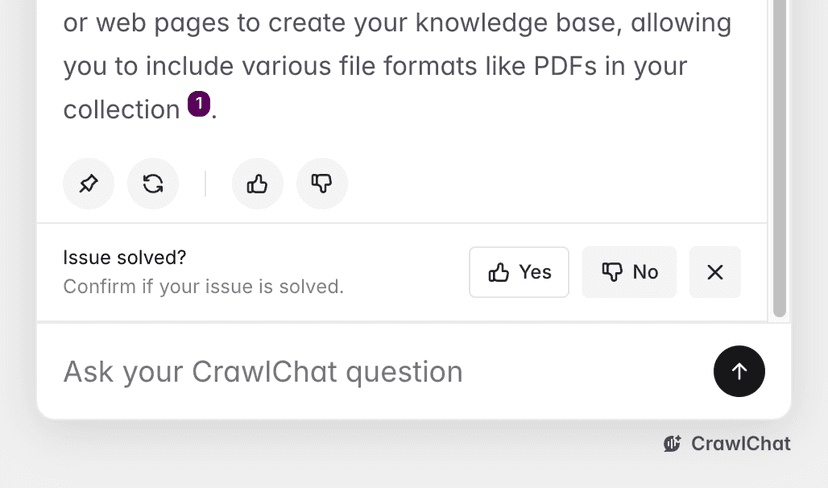
Once the customer asks the AI agent a question, it shows a prompt asking if the query is resolved. If the user says no, the agent asks the customer to create a support ticket.
2. Customer submits ticket
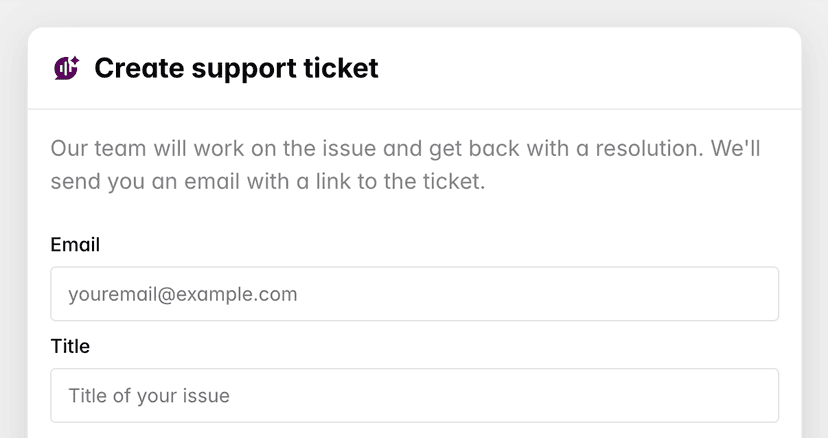
If the customer is not satisfied with the answer, they will be shown a support ticket form. They can add a short description and their email address. The customer gets the ticket link by email along with any further ticket updates.
3. View tickets
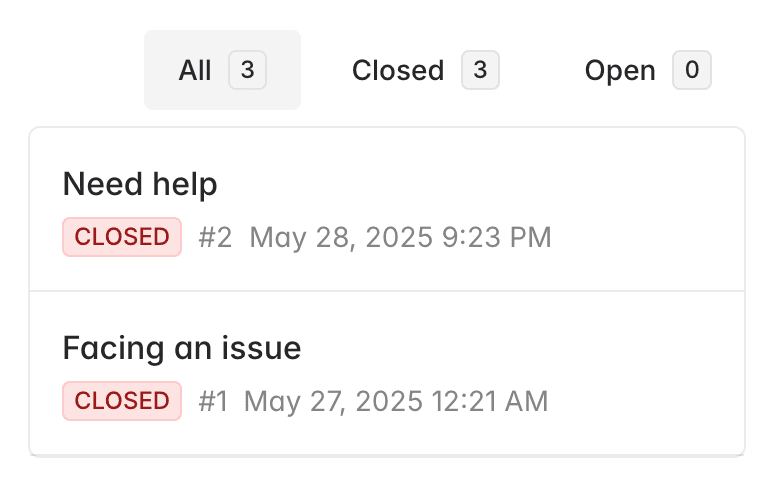
As the admin, you can view all tickets in the dashboard. They are grouped by ticket status so that you can quickly resolve issues. You get notified by email whenever there is a new ticket or an update on any customer thread.
4. Resolve ticket
Go to the ticket created by your customer and resolve it. You can provide the solution in markdown along with AI suggestions [coming]. Mark it closed once it is resolved so that the customer is satisfied.